Working with Gitpod
It’s amazing how easy it is to get up and running with Gitpod. 🤩
If you’re not familiar with Gitpod. It’s a development environment that runs within the cloud. — That’s right, you’ll have VS Code in the browser!
Navigate to the challenge / solution on GitHub. Click on the Fork button at the top. This will put a copy of the repo on your own GitHub account.

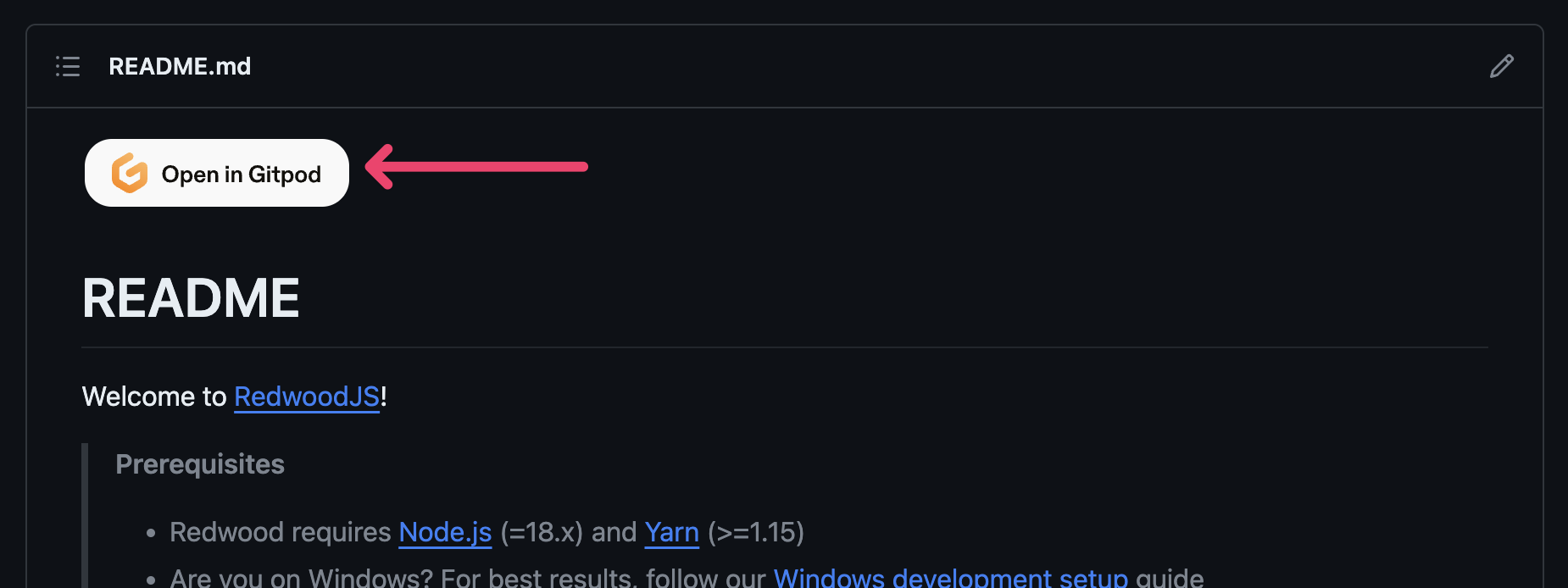
Then, at the top of the README, you’ll find an “Open in Gitpod” button. Click on that!
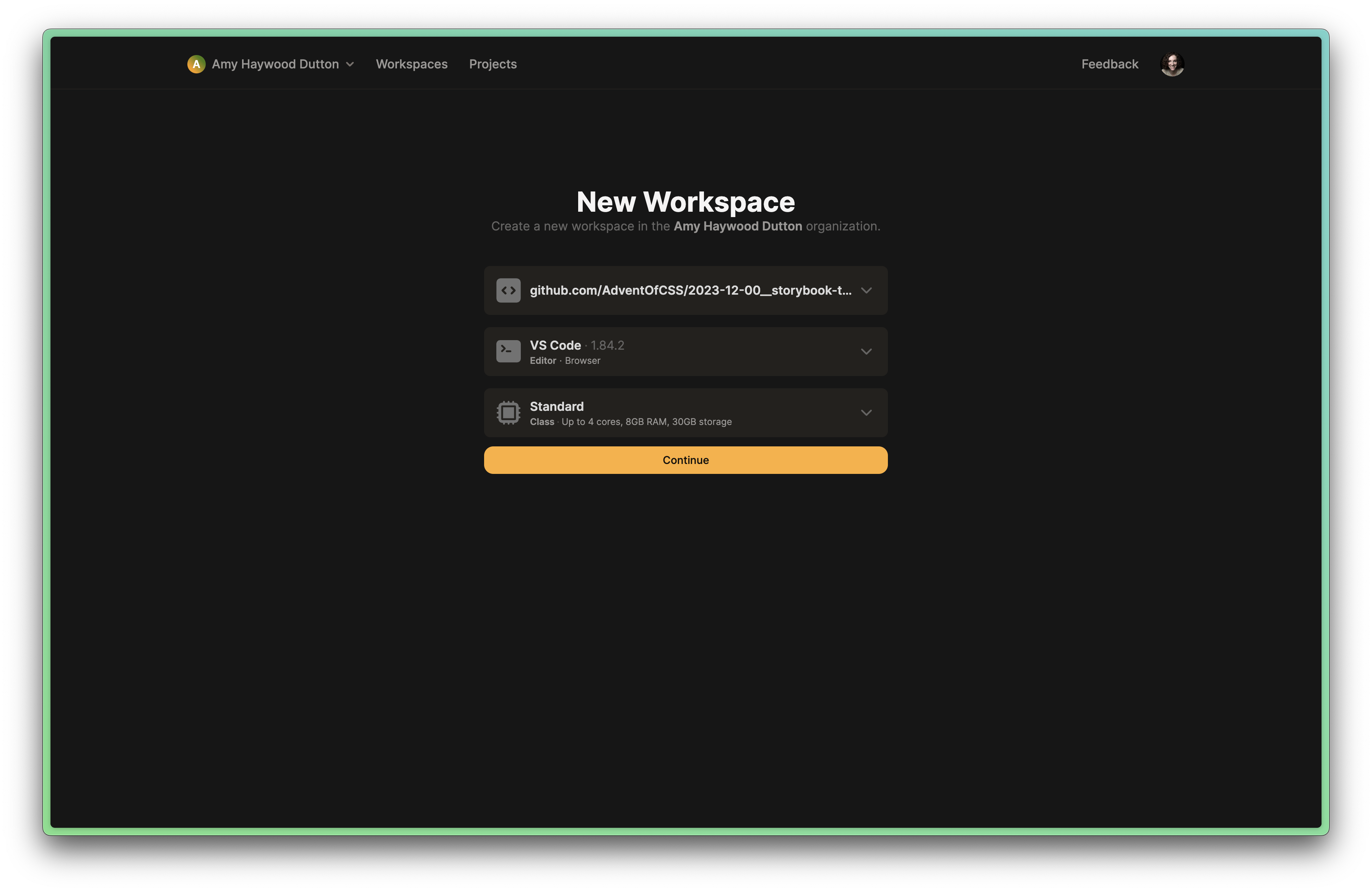
This should take you to a New Workspace button on Gitpod. The default settings are fine. Click on Continue.
It may take a minute for everything to load. But, it should run yarn install and download all of the project dependencies and a few recommended VS Code extensions. Everything works just like VS Code does on your computer. In fact, you can even commit code back to your repository, directly from Gitpod.
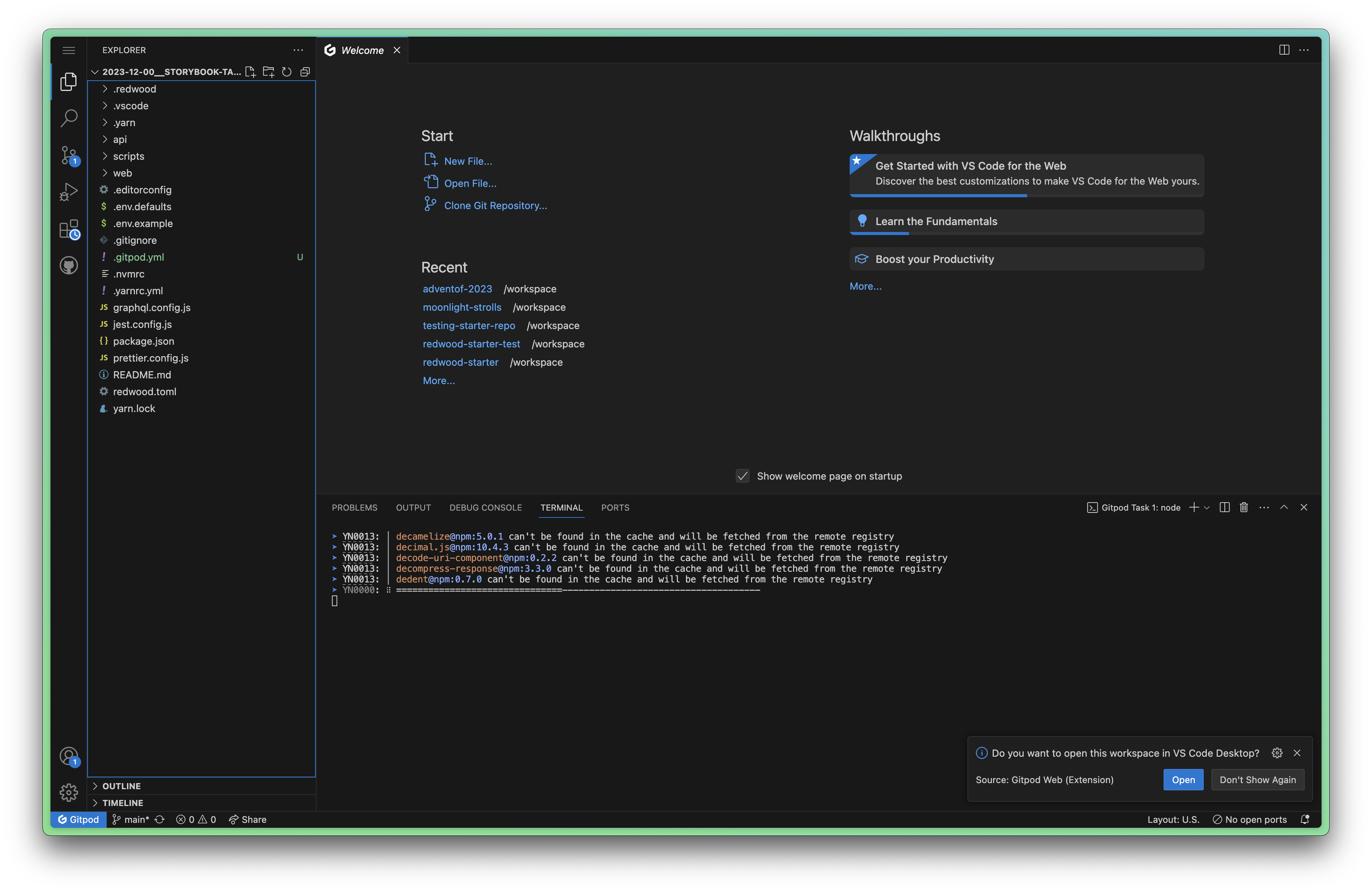
From here, you can run yarn rw storybook within the Terminal and a new tab, with Storybook should open.
Amazing, right?!