START HERE!

START HERE!

We are so happy to have you!

What to Expect:

  • [Daily Content]: Everyday, you’ll receive the challenge via email. But, you’ll need to come to Podia for the solution. You’re more than welcome to solve the challenge using any library or framework you’d like, but I’ll be using Tailwind, Storybook, and RedwoodJS. Don't worry if you don't have any experience with these! This is beginner friendly and I'll do my best to walk you through everything step-by-step.

  • [Design Files]: You can find the complete design here. You’ll need a Figma account (it’s free) to work with the file. If you’re new to Figma, I’ve included some additional content within the Appendix to help you get up and running AND a few tips and tricks for navigating your way around. Also note: I’ll supply any exported assets you need for that day's challenge So, if you don't want to mess with Figma, you don't have to. But, IMHO nothing beats working within Figma directly.

  • [Coded Solutions]: You can also find coded solutions on GitHub. Each day/challenge will have its own repository. -- And if GitHub is new to you, I have some additional resources within the Appendix to help you out.

  • [Quirky Things about Podia]: All the challenges and solutions are hosted on Podia. There are a few bugs features I wanted to point out:

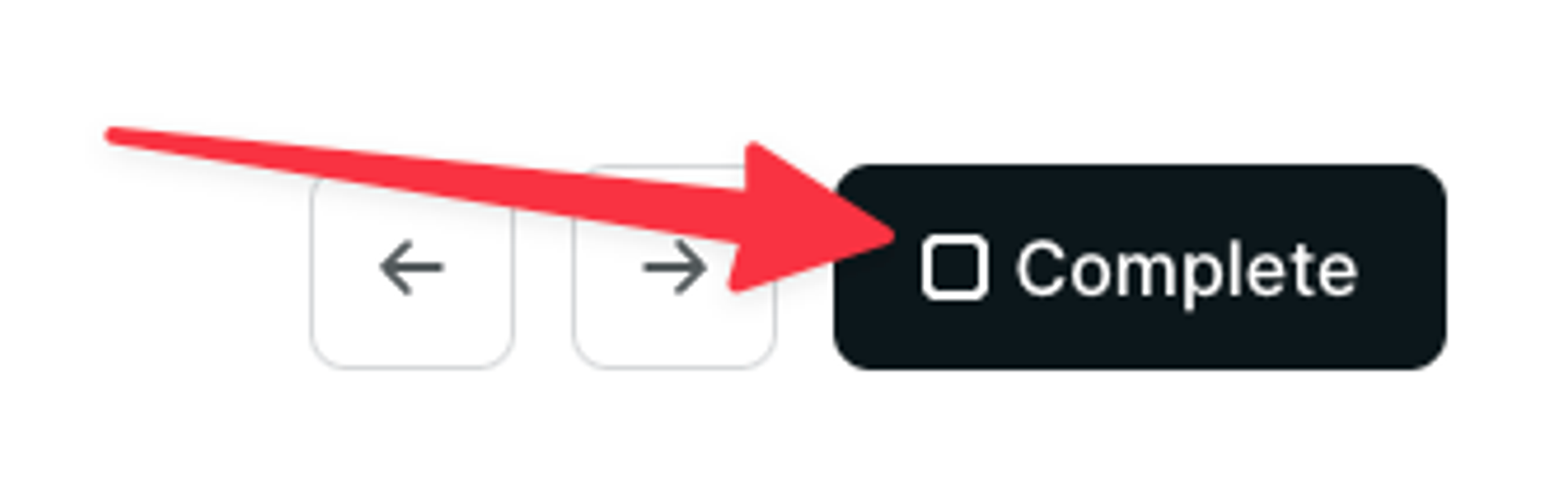
    • If you want to mark a lesson as complete, you have to scroll to the very bottom of the page (below the transcript)

      Mark as Complete within Podia
    • The navigation panel on the left is "sticky." This means you have to scroll to the bottom of the page in order to access some of the later challenges. 🙄 I know.

NOTE: 👆 This video is from a different course

Questions and Support

If you run into any trouble or have any questions, please don’t hesitate to me directly (support@adventoffrontend.com) and/or post a comment on the lesson giving you grief.

On the RedwoodJS Discord Server, there’s a dedicated channel for Advent. I’d love for you to jump in and connect with other devs working through the same challenges.

RedwoodJS also hosts Maker Hours every Wednesday at 4:00pm ET / 1:00pm PT , inside Discord. This is another great opportunity to connect.

Lastly and most importantly, thank you for being a part of Advent.

Let's go!

Advent of CSS 2023

Buy nowLearn more

👋 Welcome

  • START HERE!2
  • Setting up your Project2

Challenge #1 - Building An Icon Component

  • Challenge #18
  • Project Files
  • Solution #16

Challenge #2 - Building an Avatar Component

  • Challenge #2
  • Project Files
  • Solution #25

Challenge #3 - Form Fields and CSS Only Validation

  • Challenge #34
  • Project Files
  • Solution #35

Challenge #4 - Show / Hide Password

  • Challenge #4
  • Project Files
  • Solution #4

Challenge #5 - Login Layout

  • Challenge #5
  • Project Files1
  • Solution #5

Challenge #6 - Slide up Footer

  • Challenge #6
  • Project Files
  • Solution #6

Challenge #7 - Hamburger Menu

  • Challenge #7
  • Project Files
  • Solution #7

Challenge #8 - Slide Out Navigation

  • Challenge #8
  • Project Files
  • Solution #8

Challenge #9 - Dropdown Menu

  • Challenge #9
  • Project Files
  • Solution #9

Challenge #10 - Interior Page Layout

  • Challenge #10
  • Project Files
  • Solution #10

Challenge #11 - Custom Checkbox

  • Challenge #11
  • Project Files
  • Solution #111

Challenge #12 - RSVP Pages

  • Challenge #12
  • Project Files
  • Solution #12

Challenge #13: Invite Card

  • Challenge #13
  • Project Files
  • Solution #13

Challenge #14 - Invite Group Form

  • Challenge #14
  • Project Files
  • Solution #14

Challenge #15 - Modal

  • Challenge #15
  • Project Files
  • Solution #15

Challenge #16 - Create your wishlist

  • Challenge #16
  • Project Files
  • Solution #16

Challenge #17 - Slide Out Panel

  • Challenge #17
  • Project Files
  • Solution #17

Challenge #18 - View Your Wish List Layout

  • Challenge #18
  • Project Files3

Challenge #19 - Expanding and Collapsing Accordion

  • Challenge #19
  • Project Files

Challenge #20 - Dashboard Page

  • Challenge #20
  • Project Files1

Challenge #21 - Pairing

  • Challenge #21
  • Project Files

Challenge #22 - Thank You Note

  • Challenge #22
  • Project Files

Challenge #23 - Spinner for the Loading State

  • Challenge #23
  • Project Files

Challenge #24 - Light and Dark Theme Switcher

  • Challenge #24
  • Project Files

Appendix

  • Getting Help and Support
  • Working with GitHub
  • Working with Gitpod2
  • Working with Storybook
  • Working with Redwood
  • Testimonials
  • Want more? Where to go from here?