Challenge #1
Welcome! This is Day 1 of the Advent of CSS! WOO HOO!
If you haven’t already, I’d encourage you to check out some of the resources within Podia. I’ve also included several guides for getting started, working with GitHub, Storybook, Figma, and Redwood.
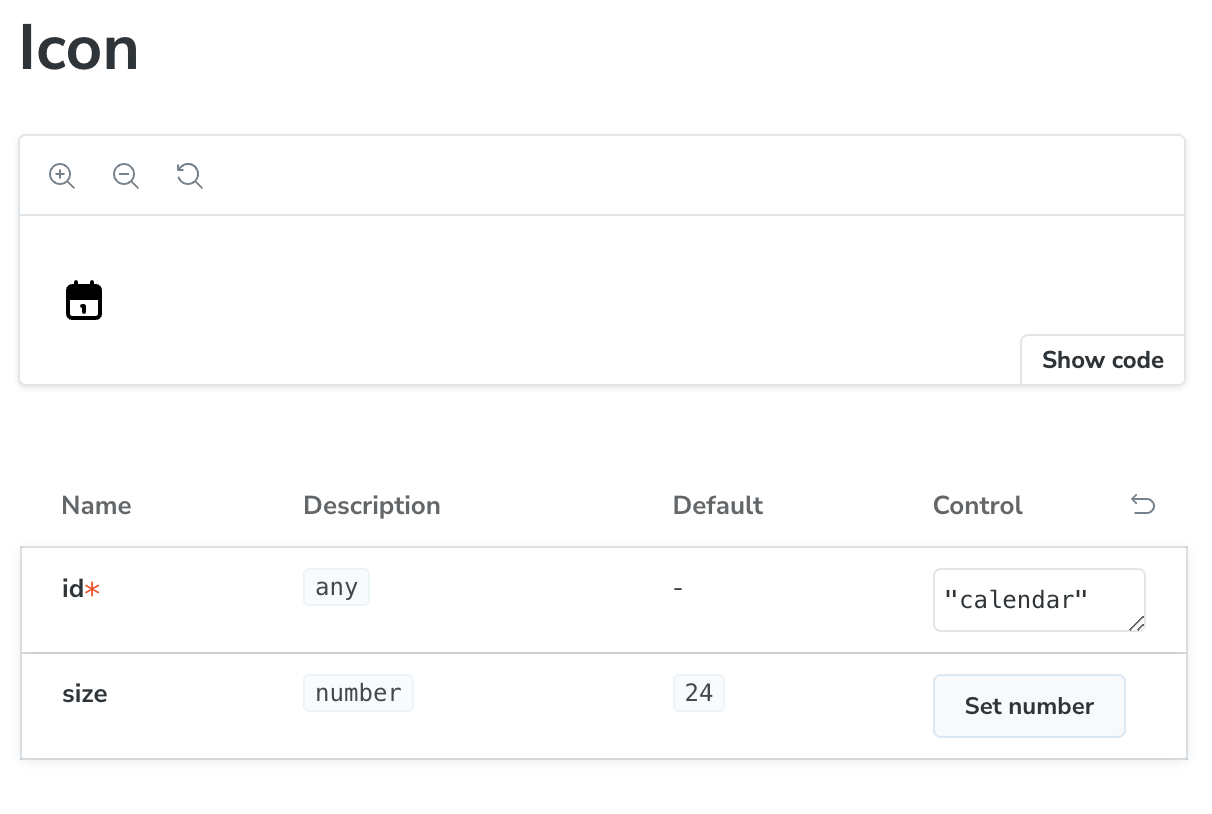
For today's challenge, we’ll be building an SVG icon component.
Brief
In today’s challenge, we’ll set up all the icons that our project need.
Of course, this could be as simple as loading each icon as an individual image. But, that makes it difficult to scale. You’d need to export multiple variations needed for color and image sizes considerations.
With an SVG sprite:
Single file that will deliver all of your icons
File size is very small and can easily be cached
The icon color can be controlled in code
Image size doesn’t matter, because it’s an SVG (vector) and can be resized without compromising quality
You should be able to export all (14) icons out of the Figma file.
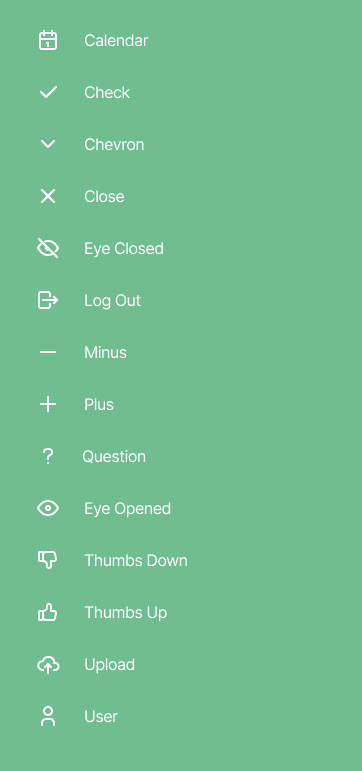
However, if you don’t want to mess with Figma, you can also download all the SVGs here.
Getting Started
To get started, download the files. This includes all the project assets you need to get started: a creative brief, a Figma file with the designs, fonts, and images.
Take a look around. Look at the project's Figma file. If you don't have a Figma account, don't worry, you can set one up for free. If you’re not familiar with Figma, I’ve recorded some help videos and posted them on Podia, within the Appendix section
You’re more than welcome to use any framework you’d like. However, the solutions I’m providing are within Tailwind, Storybook, and Redwood. If you want to follow along, you can use this repo as a starting point. — More details on how to use this code and working with Tailwind, Storybook, and Redwood can be found in the Appendix section of Podia.
Happy coding!
Once you're finished, share your work using #adventofcss
Taking your Project to the Next Level
Make this component dynamic with JavaScript.
Write a JavaScript build process to handle the SVG Sprite Generation.
FAQs
-
Can I use libraries / frameworks on these projects?
Of course! We're working with RedwoodJS, but you can use whatever tools and frameworks you'd like.
-
Oh no! I'm stuck!
Check out the RedwoodJS Discord. We’ve set up a specific channel: Advent Challenge.
Join Maker Hour on Wednesday. I’ll be there!
-
Can I use this project in my portfolio?
Sure! But, be honest about the work that you did
Merry Coding,
Amy
Special Thanks to Our Sponsor
Thanks to the generosity of our sponsor, RedwoodJS, I’m able to offer all the content for free.